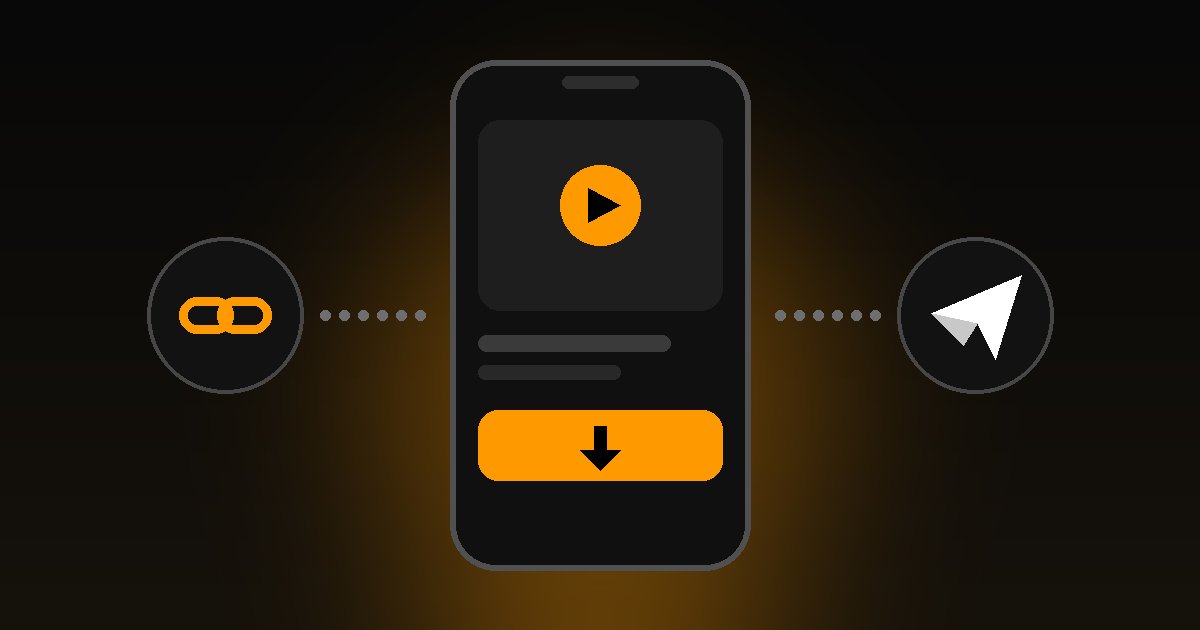
If you want to save a Pornhub video to watch offline, the fastest route in 2026 is a Telegram bot. You don't install an app, you don't create an account on a website, and it works the same on a phone or a computer. This guide shows the exact steps, how to choose the quality, how to save the file, and what to do when something goes wrong.
The quick answer
- Copy the video's link, or search for it on the home page.
- Press Download. You'll be taken to our Telegram bot.
- Pick a quality and receive the video in the chat.
That's the whole process. The rest of this page covers each step in detail.
Method 1: Download with the Telegram bot
Telegram is free and available on Android, iPhone, Windows, macOS, Linux and in the browser. The bot receives your request, fetches the video and sends the file to you as a normal Telegram message.
On your phone (Android and iPhone)
- Open the video on Pornhub and copy its address from the browser's address bar or the Share menu.
- Open pornhubdownloader.pro and paste the link into the box, then press Download. You can also search by name instead of pasting a link.
- Telegram opens at our bot. Press Start if it's your first time.

- Choose the quality you want.

- Wait for the video to arrive in the chat.

On a computer
- Copy the video's URL from the address bar.
- Paste it into the box on the home page and press Download.
- Your browser opens Telegram (the desktop app or Telegram Web) at the bot.
- Choose a quality and wait for the file.
Choosing the quality
The qualities offered depend on what the original video provides: typically 480p, 720p and 1080p, and up to 4K where available. Keep these points in mind:
- Higher quality means a bigger file. It takes longer to prepare and uses more storage and data.
- Telegram limits how large a file can be, so very long or very high-resolution videos may only be offered in lower qualities.
- On a phone screen, 720p is usually plenty. Save 1080p and above for a big display.
Saving the video to your device
Once the video is in your chat, you can watch it right there. To keep a copy on your device, open the video, tap the menu (three dots or the share icon) and choose the option to save it to your gallery or downloads. The exact wording differs between Android, iPhone and desktop.
Is it free?
Basic downloads are free, with no registration on the website. Some features may use credits, which are explained inside the bot. The FAQ has the details.
Other ways to download Pornhub videos
The bot isn't the only option. Here is how the common methods compare:
| Method | Good | Not so good |
|---|---|---|
| Telegram bot | No install, works on any device, you choose the quality | Needs a Telegram account |
| yt-dlp (command-line tool) | Free, open source, very flexible | Needs a terminal, installation and FFmpeg to merge video and audio |
| Browser extensions | One click inside the browser | Unvetted extensions can inject ads or collect data |
| "Online downloader" websites | Nothing to install | Many are full of pop-ups, redirects and fake download buttons |
| Screen recording | Works on anything | Lower quality, takes as long as the video, can't skip ahead |
If you're comfortable with a terminal, yt-dlp is a solid tool:
yt-dlp "VIDEO_URL"
For everyone else, the Telegram route is simpler and avoids most of the risks listed below.
Stay safe while downloading
Sites that offer video downloads are a common place for malware and scams. A few habits go a long way:
- Don't install apps or APK files from a download site. A downloader should never need you to install something unusual.
- Close pop-ups and ignore "your device is infected" warnings. They're ads.
- Never enter passwords or card details on a downloader site.
- Keep your browser and phone up to date.
Troubleshooting
The link isn't accepted. Use the full address of a single video page, which usually contains view_video.php?viewkey= followed by letters and numbers. Links to channels, playlists or search pages won't work.
The video isn't available. Videos that have been removed, made private, restricted in your region or limited to paying members on the original site can't be fetched.
It's slow or stuck. Large files take longer to prepare and send. Try a lower quality, wait a minute and retry.
The quality you want is missing. Not every video exists in every resolution, and Telegram's file size limit can hide the largest versions of long videos.
Still stuck? Check the FAQ or contact us with the link you used.
Download responsibly
This service is for adults aged 18 and over. Only download content you have the right to save, for personal use, and respect copyright and the original site's terms. You're responsible for how you use downloaded files. Read our Terms of Service, and if you're a rights holder, see the DMCA policy.